
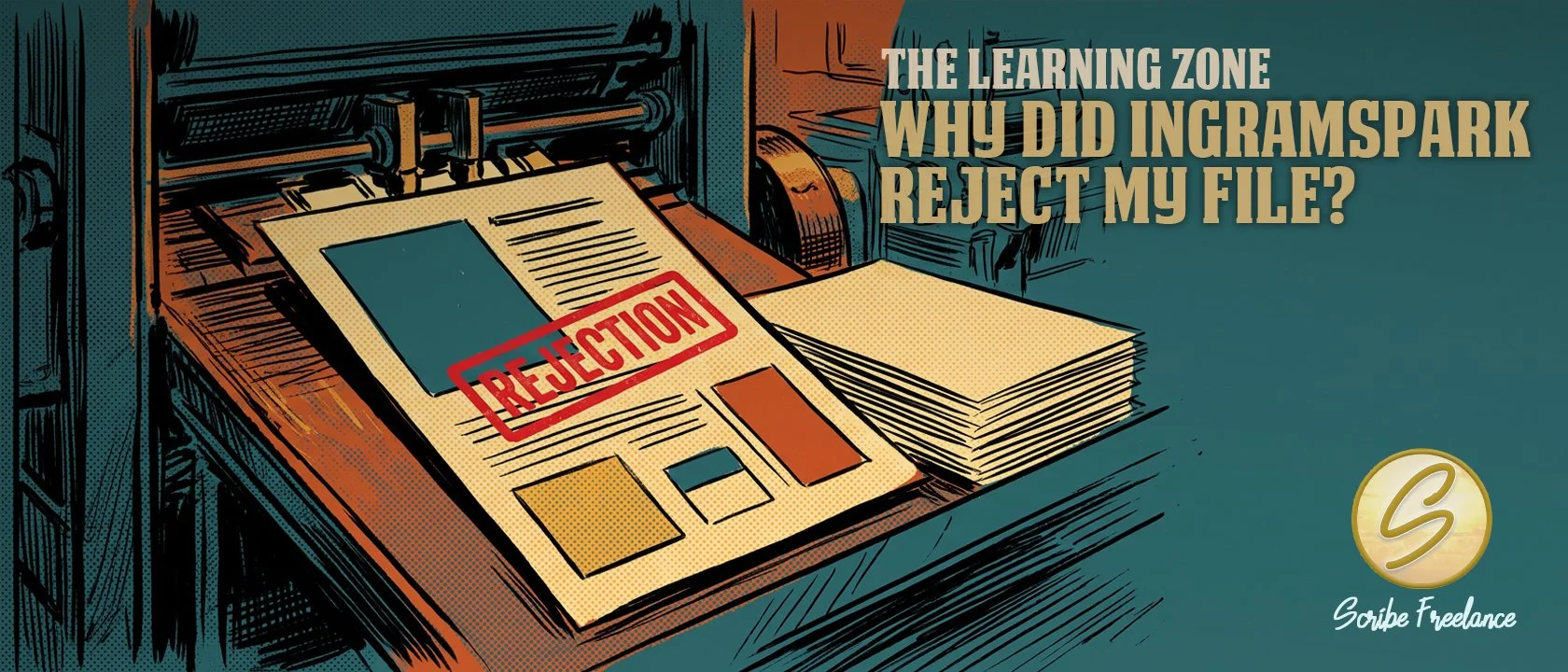
Why Did IngramSpark Reject My File?
A rejection notice isn't the system working against you — it's the system doing the one thing you can't do from your own screen: checking your file against every plant, every press, every reader's device before a single copy prints.
Most IngramSpark rejections trace back to five things: file size, embedded fonts, PDF/X compliance, image resolution, or a mismatch between page count and cover template.
Clients come to me after the rejection email tells them that something’s wrong, but not what. Diagnosing the real cause behind a vague message is most of the job.
I’m Daniel J. Middleton. I’ve spent about two decades designing books for indie authors, small presses, and publishers, and I started Scribe Freelance to make sure they get the same production quality the big houses take for granted.
One publisher recently wrote in a panic. IngramSpark rejected his ebook cover with no clear reason given. The actual cause turned out to be file size — the export was outside spec, even though the cover looked fine on his screen.
Another client, formatting in QuarkXPress, couldn’t get his interior fonts to embed no matter what he tried. His exports wouldn’t validate as PDF/X-1a:2001 either. The rejection notice never said either of those things outright. It turned out he was running an old disc-only version of Quark that couldn’t produce a compliant file. I handled the export for him while he works out an upgrade.
This article is the diagnostic I use in both kinds of cases — and it applies whether you’re publishing through IngramSpark or working with a Lightning Source account, since both run on the same print network and much of the same spec requirements.
Why Does IngramSpark Reject Files in the First Place?
IngramSpark isn’t rejecting your book. It’s rejecting a file that won’t print or display correctly through their system.
Ingram runs an automated pre-flight check before a human ever looks at your submission, and that check is strict about a handful of technical requirements. Trip one of them and the file bounces, regardless of how good the actual book is.
That strictness is doing you a favor, even when it doesn’t feel like it in the moment.
A cover saved in the wrong color space won’t just fail the check — it’ll print with shifted, muddy tones you won’t see until copies are already in your hands. A file with unembedded fonts might sail through if the check were looser, only to render wrong on someone else’s machine down the line.
The pre-flight check exists to catch that before it reaches a reader, not after. A rejection is frustrating, but it’s the system protecting the book you worked hard on from looking unfinished on someone’s shelf.
Lightning Source, which handles print production for a large share of trade publishers, runs the same core checks for the same reason. If you work with both platforms, the causes below apply either way.
What Are the Five Most Common Rejection Reasons?
Here are the five that come up most often, and what each one actually means for your file.
File Size Out of Spec
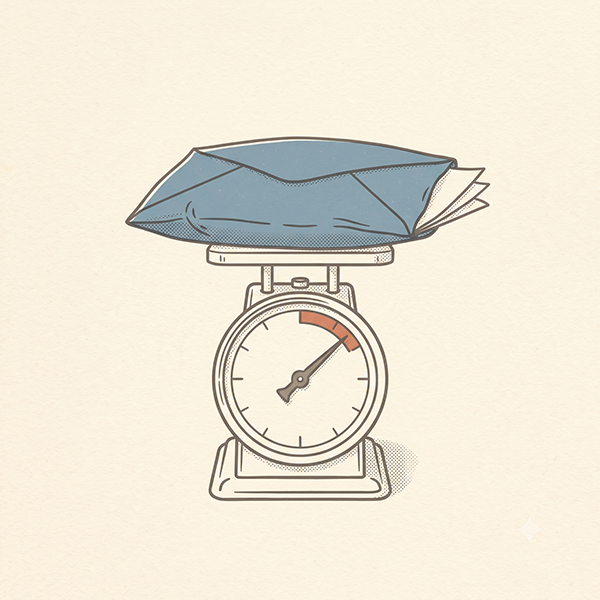
This one catches people off guard because it has nothing to do with how the cover looks. Ebook covers especially have file size limits. An export that’s technically fine visually can still be rejected for coming in too large or too small.
If the rejection notice is vague and the cover looks correct on screen, file size is one of the first things worth checking.
Fonts Not Embedded
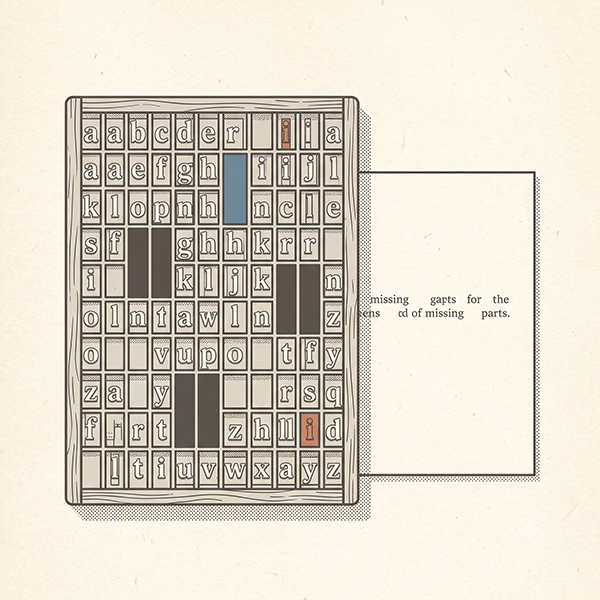
If a PDF is exported without embedding fonts, the system can’t guarantee the text will render the way it appears on your screen. This usually comes down to export settings in whatever program generated the file.
It’s more common with older software versions that don’t default to full embedding.
Not PDF/X-1a:2001 Compliant
IngramSpark and Lightning Source both require interior and cover files to meet the PDF/X-1a:2001 standard, which governs color space and font handling behind the scenes. Some page layout programs — particularly older versions — can’t produce a fully compliant export no matter how the settings are adjusted. That’s a software limitation, not a user error.
Image Resolution Too Low
Anything under roughly 300 DPI at final print size tends to get flagged. Cover images are checked more strictly than interior images.
A photo that looks sharp on a laptop screen can still fall well under spec once it’s scaled to full cover size. That’s the same effective-resolution math behind why images turn out blurry in a printed proof — the file isn't damaged, it just doesn’t have enough pixels for the size it's being asked to fill.
Cover-to-Interior Mismatch
Your cover template is generated from an exact page count, trim size, and paper type. Change any one of those after generating the template — add a chapter, switch paper stock — and the spine width shifts.
Upload the old template against the new interior, and it gets kicked back.
File Size Out of Spec
Fonts Not Embedded
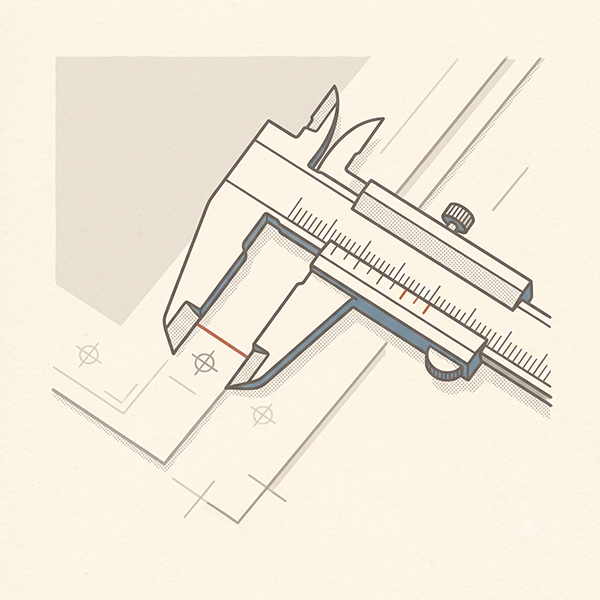
PDF/X-1a:2001 Compliance
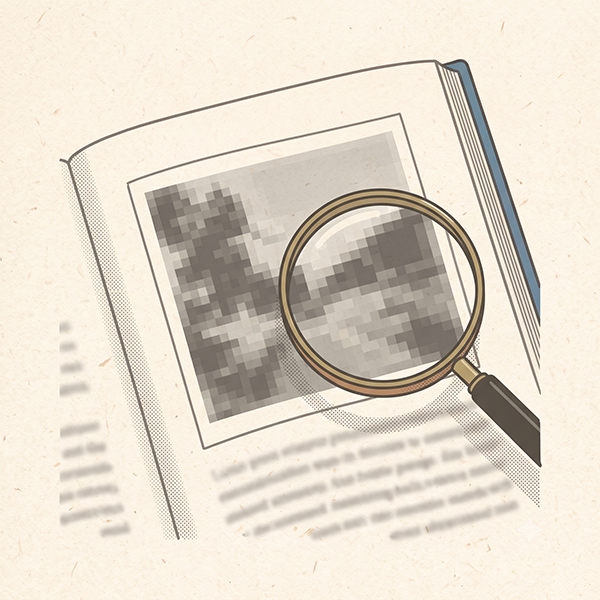
Low Resolution Image
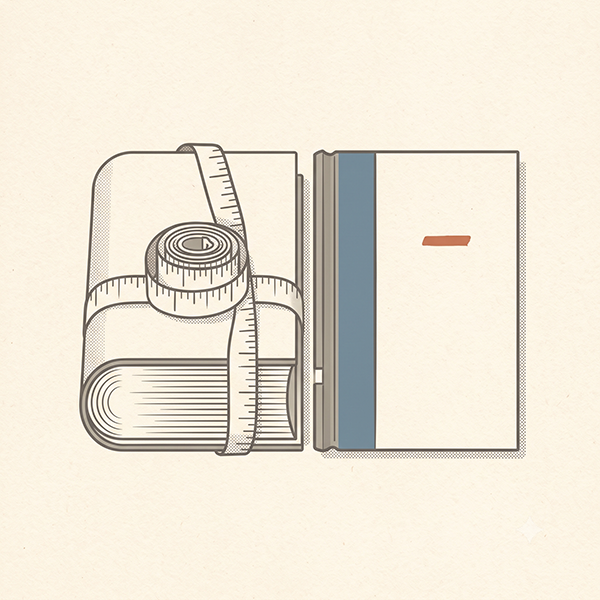
Cover-to-Interior Mismatch
How Can I Avoid a Second Rejection?
Once a file bounces, most platforms charge a fee to review the resubmission. The current amount is worth confirming on their pricing page, since fees shift over time.
That’s the real cost of a rejection — not just the delay, but paying twice to get the same file approved.
The fix is the same every time. Identify the actual cause before resubmitting, rather than guessing and hoping. Cross-reference the rejection notice against the five causes above, and check the specific file element it points to, not the whole document from scratch.
What Does This Mean for My Book?
A file that “looks done” and a file that’s actually print-ready are two different things. The first is judged by your eyes on a screen. The second is judged by a spec sheet the system checks automatically. The two don’t always agree.
If you’re stuck in a rejection loop and the notice isn’t telling you enough to fix it, that’s usually the sign to get a second set of trained eyes on the file rather than guessing again.
That’s the exact kind of problem I sort out before it ever reaches the queue — take a look at the design portfolio if you’d rather hand the file prep off entirely.