
Best Way to Track Manuscript Versions Between Editing and Design
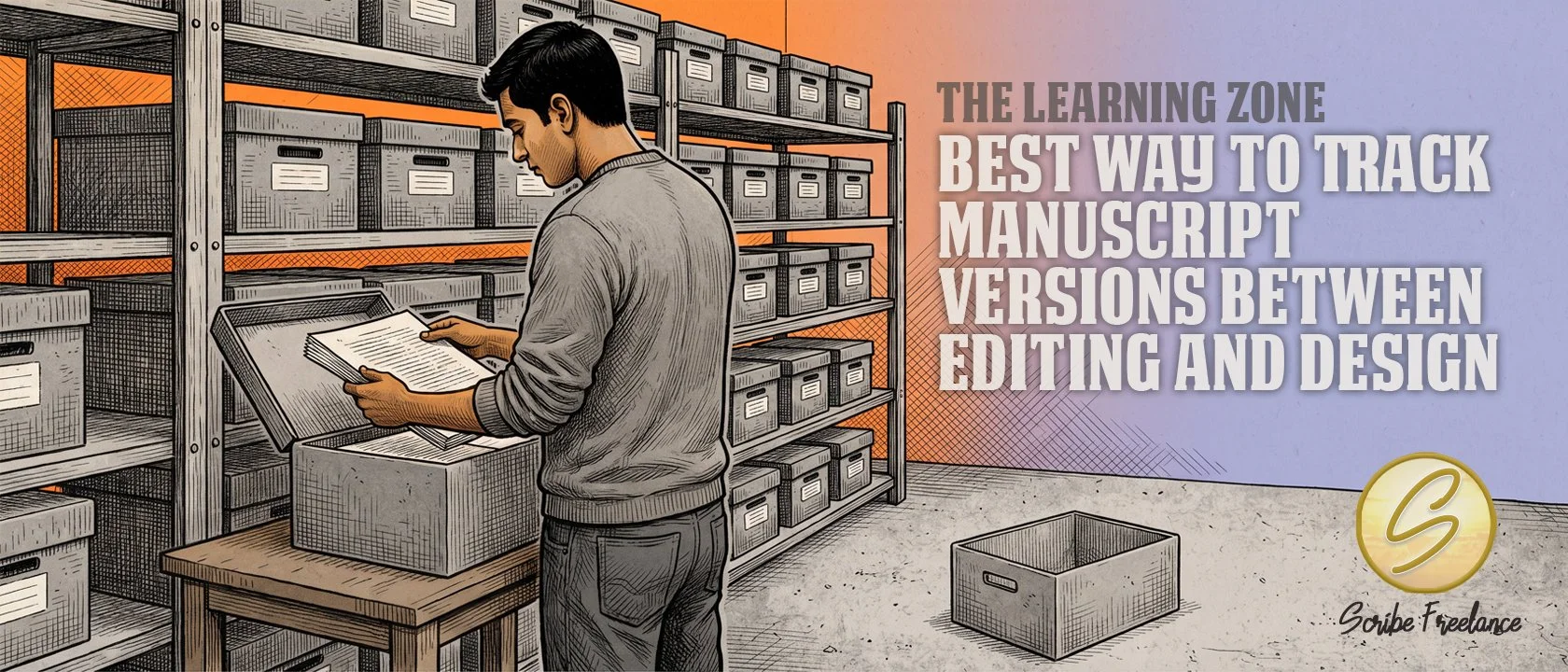
Nothing about a wrong file looks wrong. Retiring each old copy the moment it’s replaced leaves less to mix up.
The best way to track manuscript versions between an editor and a designer is a simple file discipline: a version number on every file, old versions archived right away, and a separate backup of the current one. It needs no special software.
The problem it solves is a manuscript that looks right but isn’t the current copy, and nothing in the file will tell you.
My name is Daniel J. Middleton — I’ve spent over two decades in book design and editing, long enough to know most “mistakes” are really a process nobody walked the author through.
This piece covers why versions slip once a manuscript moves between an editor and a designer, what happened when I designed a book from the wrong file, and the three habits that came out of it.
Why Do Manuscript Versions Get Mixed Up Once an Editor and a Designer Are Both Involved?
Every handoff leaves a copy behind, and a copy can’t tell you whether it’s still current. There’s the file the editor sent, the one the designer received, the one still sitting on the author’s computer, and whatever got saved in between.
None of those is a bad file, which is why the problem is easy to miss. They’re all real drafts, usually with nearly identical file names. With several people and several copies in play, there’s no single source of truth unless someone sets one up on purpose.
Keeping two vendors from working off separate copies is a coordination topic of its own. This piece stays on the files themselves.
What Happened When I Designed a Book From the Wrong Version of the Manuscript?
Years ago, I designed a book for a client using the wrong version of the manuscript. It wasn’t a bad edit, and nothing in the file was corrupted. The wrong file had been sent, and I worked from it.
A manuscript that looked locked and wasn’t is one way a project goes wrong. This was a communication gap. Nothing about the file suggested it wasn’t the latest, so nobody questioned it.
The mistake cost the author two rounds of layouts, and it cost me an entire project’s worth of time. I was paid in full for a project that never saw the light of day, which sounds like a fair deal, but it has never sat well with me.
I don’t have exact figures, since it was well over a decade ago, if memory serves. What I do have is the file discipline I run on every project today, and it exists because of that mistake.
What Does a System for Tracking Manuscript Versions Between an Editor and a Designer Look Like?
The system is three habits, each with its own job:
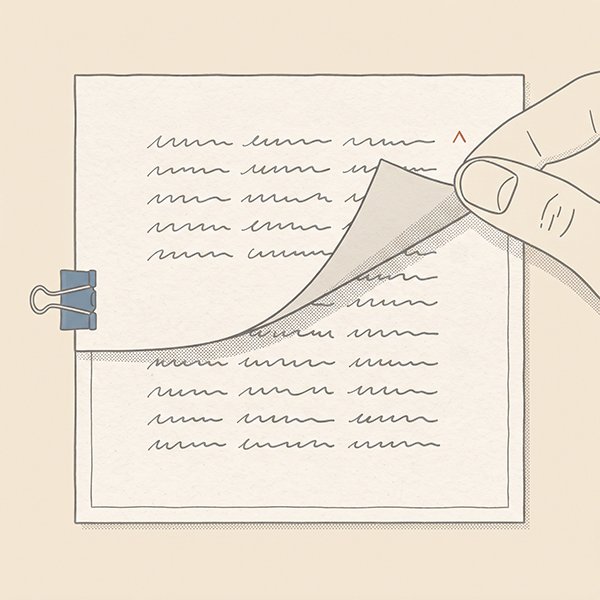
A version number on every file. Each file carries an updated version number, with a date added when it’s needed, so the newest one is easy to pick out of a folder. Something like Book-Title_v07 works, and Book-Title_v07_2026-03-14 when the date matters.
Immediate archiving of old versions. The moment a new version replaces an old one, the old one gets archived and stays there, never reopened unless someone specifically asks for it. The working folder ends up holding one current file, so there’s no wrong one to grab.
A standing backup of the current file. A separate copy of the current file is always kept apart from the active one. Files do get corrupted in my work, often for no reason I can explain. When the software can’t repair or recover the working file, the backup usually saves the day.
Why Does Version Tracking Through File Names Work for an Author Who Isn’t Technical?
Because it asks for discipline, not software. Version control software built for developers tracks every change inside a file, and it takes time to learn.
This system only tracks which whole file is current, and anyone who can rename a file and make a folder can run it.
That’s also its limit. It won’t tell you what changed between version six and version seven, only which of the two is newer.
Tracking manuscript versions comes down to one test: could anyone on the project name the copy to build from without asking a colleague?
What Should You Set Up Before the Next Manuscript Handoff Between Your Editor and Designer?
Before the next file changes hands, set this up on your own project, so the next person gets exactly one file.
Do it now, not after the handoff, because a wrong file can only show up as a problem once work has been built on it. That’s precious time and money wasted.
If you’re lining up an editor and a designer, my current service rates show what each service costs, so you can plan the handoffs and the budget together.