
What Actually Goes Into an EPUB File? (And Why “Just Convert My Word Doc” Goes Wrong)
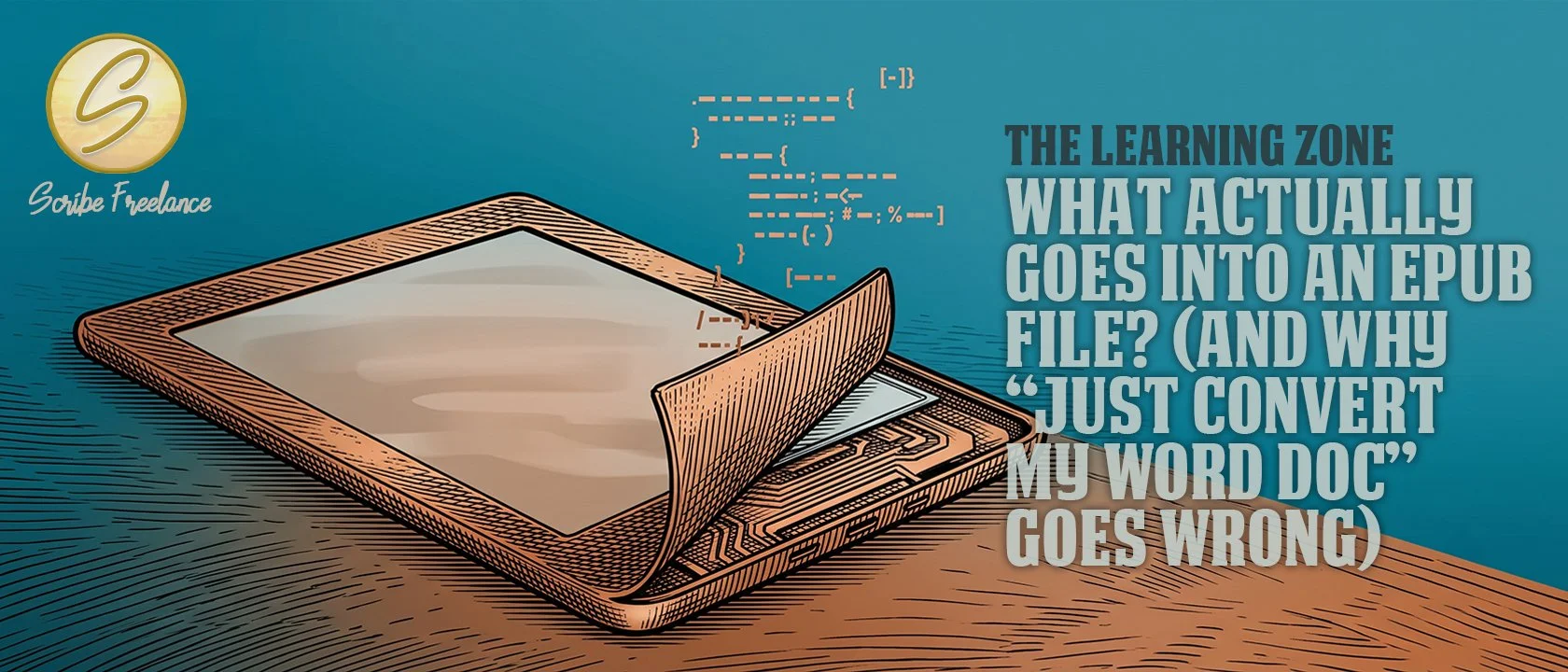
The screen isn’t what makes an ebook behave — the code underneath is. Once you can see it, the glitches stop being a mystery.
Two manuscripts can look identical in Word and turn into two very different ebooks. One reads cleanly on every device it touches. The other has headings that shift, images that drift out of place, or a table of contents that stops linking halfway through. The difference isn’t random — it traces back to something specific sitting inside the file itself.
In production work across dozens of EPUB conversions, the pattern repeats constantly: files built by hand or exported cleanly hold their structure everywhere they land, and files run through a “just convert it” automated process hold their structure only until they hit a reading system that interprets that structure a little differently. I’m Daniel J. Middleton, and I’ve spent close to two decades designing books for authors and publishers.
An EPUB isn’t one single “format” the way a PDF is. It’s a small package of code, and understanding what’s actually inside it is the fastest way to see why some conversions hold up and others don’t.
What Is an EPUB File, Structurally?
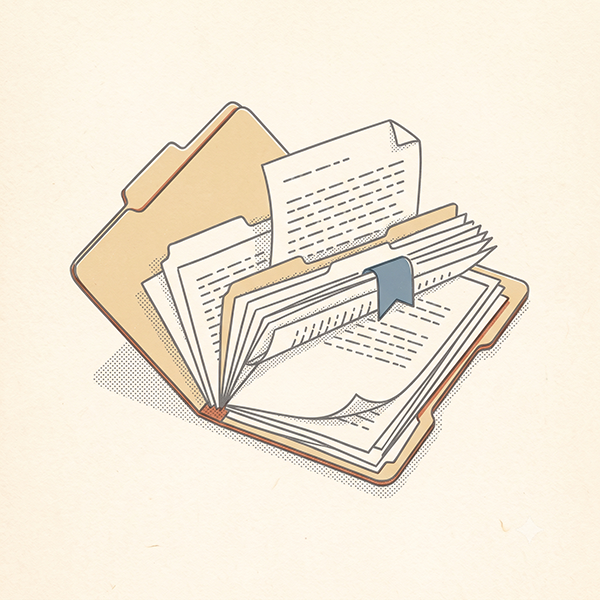
Unzip an EPUB and it stops looking like a mystery. Inside is a folder of XHTML files carrying the actual text, a set of CSS files controlling how that text looks, an OPF file acting as a manifest and spine (it tells the reading system what files exist and what order they go in), and a navigation file — either an NCX or a nav.xhtml — that builds the table of contents. Zip that folder back up with the right internal structure, and you’ve got an EPUB.
That’s a meaningfully different thing than most authors picture. There’s no single “ebook format” sitting inside the file the way a JPEG holds pixel data. There’s a small, structured website, zipped into one package.
Why Does That Structure Make Reflow Possible?
Reflow is the reason an EPUB reads correctly on a phone, a tablet, and an e-reader without three separate files. The XHTML carries the content. The CSS carries the presentation — font size, spacing, margins. The reading system, whatever device it’s running on, decides how to lay that content out on the screen it has.
That division of labor is what lets the same file adjust to a 5-inch phone screen and a 10-inch tablet without anyone touching the file itself. When an ebook looks wrong on one Kindle model but fine on another, the file itself usually isn’t broken. Something in that CSS-versus-content relationship is being interpreted differently by that specific reading system, which is exactly what shows up when an ebook looks fine on some Kindle devices but not others.
What’s the Difference Between a Hand-Coded EPUB and an Automated Conversion?
A hand-coded or professionally exported EPUB uses clean, semantic markup. Headings are actually tagged as headings. Paragraphs are actually tagged as paragraphs. The CSS is lean and does one job.
Run a Word document through an automated Word-to-EPUB converter, and you often get something that displays correctly in whatever previewer you checked it in, but the code underneath is a pile of inline styling — every formatting choice you ever made in Word, restated inline on nearly every line, instead of handled once in a stylesheet. That bloat is exactly what tends to break somewhere the previewer didn’t test.
Is Automated Conversion Always the Problem?
Not automatically. Plenty of DOCX-to-EPUB conversions turn out clean, and a well-formatted, simple manuscript often converts without incident. The point isn’t that conversion tools are bad — it’s that knowing what’s inside is what actually tells you which kind of conversion you got.
An EPUB doesn’t have one fixed appearance to lose — it’s code, and the fastest way to explain any reflow glitch is to read what that code actually says, not to blame the device it showed up on.
What Should You Actually Check in Your Own EPUB File?
A few things are worth confirming before you assume a file is ready:
The navigation file is present and complete. This is what builds a working table of contents — the same structure behind a KDP ebook’s TOC links working or not.
Images are embedded, not linked. A clean EPUB packages its images inside the file. A broken link to an external image is a common leftover from a rushed conversion.
The CSS isn’t bloated with repeated inline styling. If every paragraph carries its own font-size declaration instead of pulling from a shared stylesheet, that’s the Word-conversion cruft showing through.
Headings are tagged as headings, not just bolded or resized text that happens to look like one.
None of this requires becoming a developer. It just requires knowing what to look for, instead of trusting that a file previewing correctly once means it’s actually clean.
What’s the Next Step Once You Understand What’s Inside?
The question isn’t whether to hand-code an EPUB or run a conversion. It’s whether you know what’s sitting inside the file you’re about to publish. A file that looks right in one preview and a file that’s actually built on clean structure aren’t always the same thing, and the gap between them is where most device-specific ebook problems live.
If you’d rather have a formatter confirm what’s actually inside your file before it goes live, Scribe Freelance’s Get Started page is the place to start that conversation.