

Why Does Lightning Source Feel More Complicated Than IngramSpark?
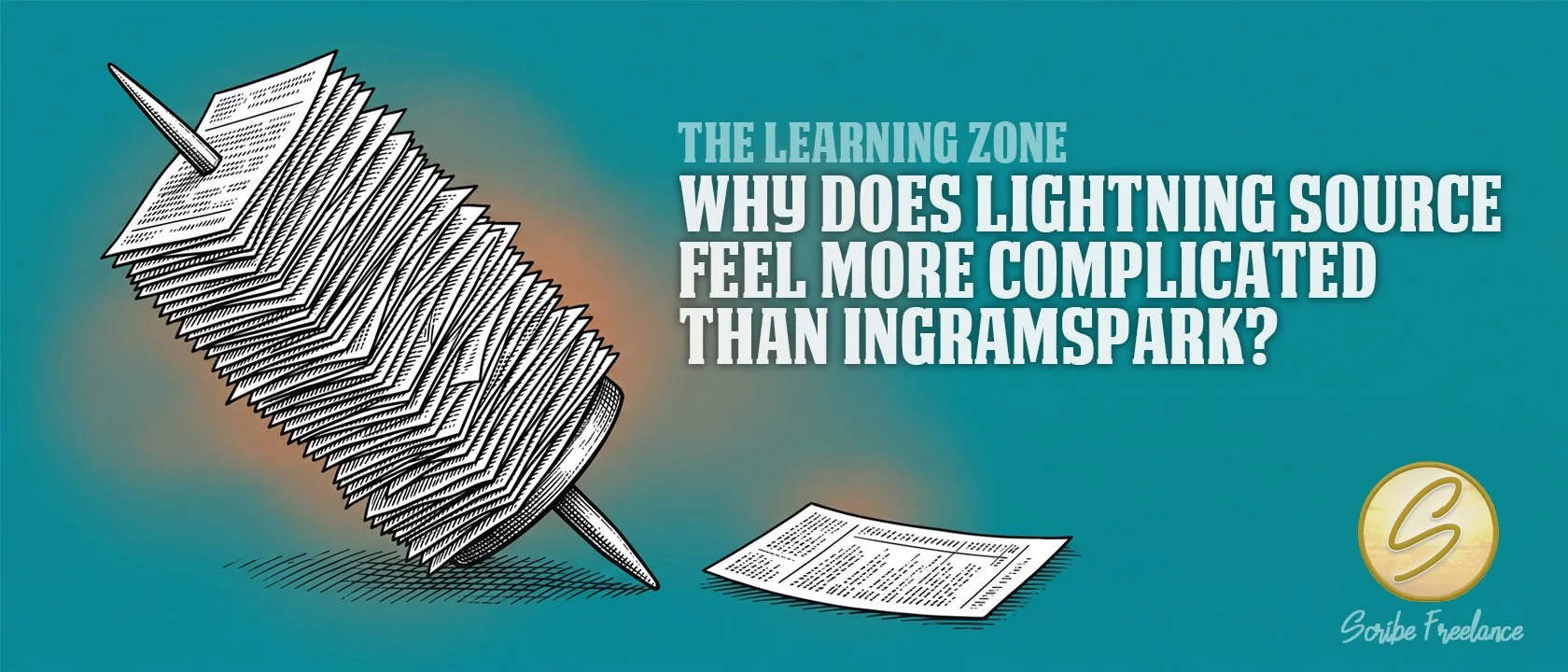
Lightning Source and IngramSpark ask for the same information. The difference is whether you’re filling out one ticket or managing a whole spike of them.
Lightning Source doesn’t actually require harder data entry than IngramSpark. Title by title, the two platforms ask for largely the same information in largely the same way.
What makes Lightning Source feel more complicated comes down to two structural differences sitting around that data entry, not inside it.
I’m Daniel J. Middleton, and Scribe Freelance is the shop I built around one idea: a book’s design should never be the reason it fails to connect. One of my clients lists her own print titles, along with print titles for a handful of other authors, directly on Lightning Source. For ebooks, though, she routes through IngramSpark instead, since ebook distribution isn’t built directly into a standard Lightning Source account the way it is on IngramSpark.
This article covers the two real reasons Lightning Source carries a steeper learning curve than IngramSpark, and why the day-to-day interface itself isn’t one of them.
Is Lightning Source Actually Harder to Enter Title Data Into?
Not in any way that shows up on screen. Both platforms ask for the same core fields — trim size, BISAC codes, description, pricing, print-ready files — through a similar web form.
What’s different is posture. IngramSpark walks a single title through a guided, consumer-facing flow built for someone who’s never done this before. Lightning Source is built around a publisher who already knows the vocabulary and is managing more than one book at a time. That’s a tone difference. It’s not a real functional gap, and it’s worth naming plainly so the platform doesn’t get blamed for a problem it doesn’t actually create.
Why Doesn’t Ebook Distribution Work the Same Way on Both Platforms?
This is the first real structural difference, and it’s the one that trips people up most. A standard Lightning Source account handles print. Ebook and audiobook distribution runs through CoreSource, a separate Ingram platform reserved for qualifying publishers rather than something bundled automatically into every Lightning Source signup.
IngramSpark builds that same CoreSource-powered distribution directly into its own dashboard. Upload an EPUB and a cover image alongside the print files, and it’s part of the same account, no separate application required.
That’s exactly what plays out with the client I mentioned above. Her print catalog stays on Lightning Source, where she’s already set up as a publisher. Her ebooks go through IngramSpark instead, because that’s the door that’s actually open to her without pursuing a separate CoreSource relationship. Neither choice is a downgrade. It’s routing each format through whichever platform is actually built to carry it.
If Lightning Source feels more complicated, it’s usually because a step that’s automatic on IngramSpark requires a separate relationship on Lightning Source — not because the underlying work is harder.
Why Does Managing a Larger Catalog Feel Different Between the Two?
The second structural difference shows up once the catalog grows past a title or two. Standard Lightning Source metadata entry happens manually through the website, the same as IngramSpark. But publishers submitting ten or more titles at once get access to alternative bulk methods on top of that manual entry — a spreadsheet or batch-style process that requires more familiarity handling structured data at volume.
IngramSpark doesn’t offer an equivalent path. Title setup stays a one-at-a-time, guided “Add a New Title” flow no matter how large the catalog gets. That’s efficient for a single book. It’s less efficient for someone managing a real backlist.
Neither approach is objectively better. They’re built for different volumes of work.
A catalog that’s been sitting on Lightning Source for years can also drift in ways that have nothing to do with metadata volume. I covered the different ways that happens in a piece on what changes when a legacy Lightning Source setup moves to a current one.
Which Platform Actually Fits Your Situation?
Neither platform is the harder one in the abstract. Lightning Source is built for a publisher managing a real catalog, with the staff and workflow to match. IngramSpark is built for a single title moving through a guided process meant for someone doing this on their own. I covered that scale distinction in more detail in a piece on whether Lightning Source is open to indie authors or publishers only.
The friction shows up wherever your actual situation doesn’t match the account you signed up for. If you’re not sure which side of that line you’re on, or you’re staring down a Lightning Source account and wondering whether an IngramSpark move makes more sense, start here, and we’ll sort out what actually fits.