
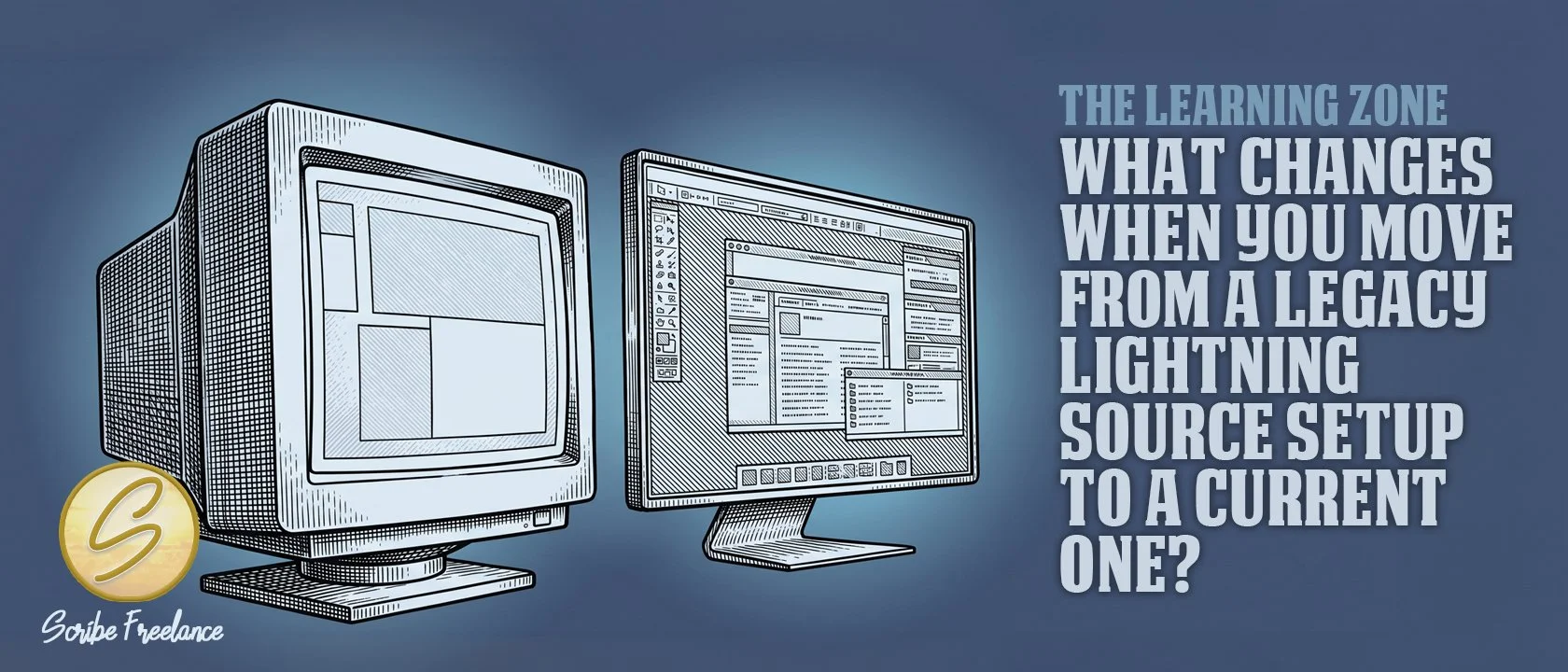
The old setup didn't fail. The platform just kept moving without it.
Legacy Lightning Source accounts rarely go stale in only one place. The design software, the standing account agreement, the file specs, and the author’s own familiarity with the platform can each drift independently, so a client expecting a simple Lightning Source account upgrade is often surprised to find more than one has moved at once.
My name is Daniel J. Middleton — I started Scribe Freelance because I wanted indie authors and publishers to have the same design quality the big houses take for granted. One client had originally signed up directly with Lightning Source, years before IngramSpark existed, and returned wanting a small update to an older title. The file had been built in design software I no longer use, and what she expected to be a quick revision turned into a full redesign at full cost.
This article covers the different ways a legacy Lightning Source setup can actually go stale, using real cases from production work, and offers a practical way to check which one applies before assuming the fix is small.
Why Does an Old Design File Turn Into a Full Rebuild?
Lightning Source was once the only door open to a solo author with a title or two, before IngramSpark existed. Some clients signed up directly with Lightning Source back then out of necessity rather than scale.
Those same clients sometimes return years later expecting a small update to that same book. If the file was built in a program no longer in active use, there’s often no clean way to open and edit it. Any change becomes a full redesign at full cost, treated as a new project rather than a revision, especially once it falls outside my standard five-year archival window.
This is the same underlying failure mode covered in why hybrid-published authors don’t always own their book’s files — a file nobody can actually open or edit, whether the cause was a publisher handoff or years of software turnover.
What Does a Lightning Source Account Upgrade Actually Involve?
Sometimes the file is fine and the account isn’t. Years of inactivity can cause a standing Lightning Source agreement to lapse, entirely separate from anything wrong with the design files themselves.
Depending on where things stand, that means either signing a new agreement or migrating to IngramSpark, if the account’s current scale doesn’t meet Lightning Source’s present-day standards. I covered how that account structure works, and what actually separates the two platforms, in the piece on whether Lightning Source is open to indie authors or publishers only. The short version: which one fits depends on scale, not on which name sounds more official.
Can Current File Specs Outpace the Software Producing Them?
This one doesn’t require a long-dormant account at all. Another publisher and designer I work with uses Lightning Source directly and never stopped, but her export software no longer produces files meeting Lightning Source’s current specs. She hires me to bring the files into compliance before submission.
She’s actively looking for a replacement, and she’s resistant to committing to Adobe’s subscription model, the dominant standard much of the industry runs on. Current platform specs shift over time, so anyone in this position should confirm exact requirements against Lightning Source’s own documentation rather than assume last year’s export settings still pass.
What If Nothing’s Actually Broken, Just Unfamiliar?
Not every legacy case involves a software or file problem. Some returning authors have design files that open fine and accounts still active, yet the platform itself has moved on enough that logging back in feels unrecognizable.
Rather than relearn a current process from scratch, some of these authors prefer to hand off the actual mechanics, metadata entry, file upload, and pay someone already fluent in the current version to handle it directly.
A legacy Lightning Source setup doesn’t go stale in one place. It can go stale in the software, the agreement, the specs, or the author’s own familiarity with the platform, all independently of each other.
How Do You Tell Which Problem You’re Actually Dealing With?
Before assuming a legacy setup just needs a quick update, check each of these on its own:
Can the original design file still be opened and edited in current software? If not, you’re looking at a rebuild, not a revision.
Is the standing account or agreement with Lightning Source still active? A lapsed agreement is a paperwork problem, not a design one.
Do current exports actually pass Lightning Source’s present-day file specs? This can be true even for someone who never stopped using the platform.
Is relearning the current version of the platform worth your time, or is handing off the mechanics the better move? Neither answer is wrong, they just point to different next steps.
A legacy setup isn’t a red flag on its own. It’s a sign it’s time to check what’s actually changed since the account was last touched, whether that’s the software, the paperwork, the specs, or just the platform itself, before assuming the fix is small.
If you’re returning to an old Lightning Source project and aren’t sure which of these applies to you, get in touch before assuming it’s a quick one.