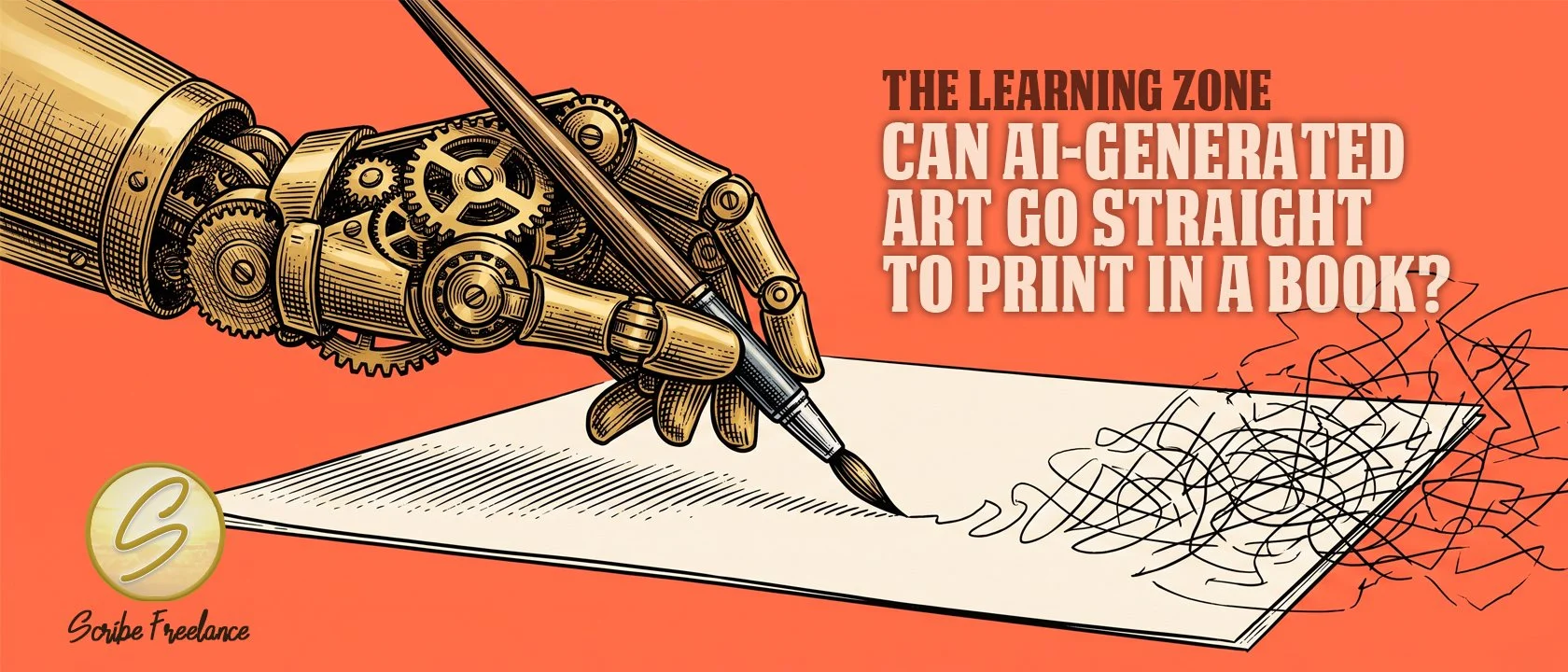
It can hold the pen. It still needs a hand guiding where the lines go.
No, not without a real production pass in between. AI image generators are built to produce something that looks finished on a screen, and a screen is a much lower bar than a printed page. The gap between the two is where most of the actual work happens.
I’m Daniel J. Middleton, and Scribe Freelance is the shop I built around one idea, a book’s design should never be the reason it fails to connect. A client came to me after landing her first children’s book illustration job with no drawing or design background at all. She’d worked through several AI models until she found one she could direct well enough to produce decent-looking images, then turned to me for the actual book design. When I opened the files, the images looked fine on screen and were nowhere close to print-ready.
This article covers why AI-generated art doesn’t arrive print-ready, the specific ways that shows up on the page, and what it actually takes to get from AI-generated images to a printed book.
Why Doesn’t AI-Generated Art Come Out Print-Ready?
Most AI image generators are optimized for screen output, fast, low-resolution renders meant to be judged by how they look in a chat window or a phone screen. A printed book needs image resolution built for its actual trim size, not a fixed pixel count that happened to look sharp on a monitor. The images looked complete to the client. They weren’t remotely close to what commercial printing requires.
AI can generate the look of a book illustration in seconds, but getting it print-ready is still a full production process, done by a human who knows what a printed page actually requires.
What Actually Goes Wrong When AI Art Meets a Printed Page?
On the children’s book project, several distinct problems showed up at once, not just one:
Resolution too low for commercial printing. The images had to be upscaled before they could go anywhere near a press file.
Wrong dimensions for the page. The client needed several double-page spreads, so I had images digitally extended, and in some cases re-prompted, to actually fill the space a spread requires.
Anatomical and continuity errors. A cow appeared with a head at both ends. A character had six or seven fingers on one hand. These are exactly the kind of errors AI image tools are still prone to, and they don’t fix themselves on a second look.
Inconsistent color and off-model characters. A tractor changed color from page to page. The main character wasn’t fully consistent panel to panel either, and that one couldn’t be fully corrected within the project’s timeline.
A separate project made the same underlying point from a different angle. That book’s digital art came from a different AI tool entirely, one built for a much stranger, more surreal look. The images still needed extension work to fit the page, and any cleanup had to match a very specific established aesthetic that came out of a completely different program than the one doing the fixing. Matching someone else’s AI-generated style with a different tool is its own skill, separate from generating the art in the first place.
How Do You Actually Get AI-Generated Art Ready for Print?
Getting from generated images to a print-ready file is a real, hands-on process, not a export setting:
Upscale for the actual trim size, not the resolution the generator defaulted to.
Extend or re-prompt for spreads, since most AI tools generate single images, not the two-page spreads a printed layout actually needs.
Correct what the model got wrong, off-model characters, color drift, anatomy errors, using a second AI tool chosen for whether it can match the book’s existing look, not just whichever tool is fastest.
Isolate images onto clean backgrounds where the layout calls for it, the same way most children’s books break up full-bleed art with clean white-background pages for pacing and text.
I used MidJourney’s tools for the first project, and Adobe’s Firefly for the second, specifically because it was the one that could hold the original tool’s strange, surreal aesthetic. The right cleanup tool depends on matching what’s already there, not on picking a favorite and forcing it to fit.
Does It Matter Which Platform You’re Printing Through?
The resolution and consistency problems here aren’t platform-specific, they’d show up the same way on KDP as they did on the two projects behind this article, which went through IngramSpark and Lightning Source, respectively.
Lightning Source and IngramSpark share the same underlying print network and much of the same file specs, but Lightning Source tends to serve established trade publishers where IngramSpark serves indie and self-published authors directly, which tracked with the difference between these two projects.
Worth mentioning, the children’s book client’s page count also came in under KDP’s print minimum, a separate problem from the art itself, and the reason that particular project moved to IngramSpark. That’s a separate wrinkle covered in an earlier piece on KDP’s page-count minimums.
Where Does That Leave AI-Generated Book Art?
AI needs a lot of direction, and even good direction still produces images that need real correction before they’re ready for a press. That’s improving as the tools improve, but the human production pass, upscaling, extending, correcting, matching, isn’t optional yet. Both of these projects turned out well precisely because a real design pass happened between the AI-generated art and the printed book, not instead of one.
If you’re working with AI-generated art for your own book and aren’t sure what’s actually print-ready yet, get in touch before you submit anything.