

How to Calculate Spine Width for a KDP Paperback
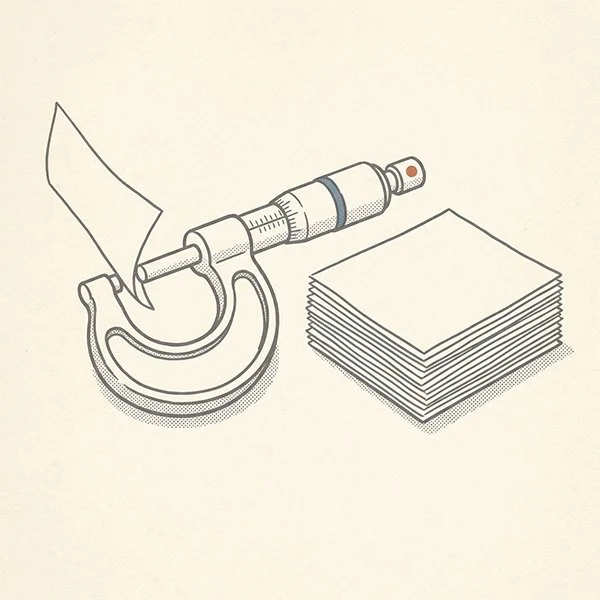
A spine width is only right for the book it was measured against. Measure the finished interior, and the cover has something solid to fit.
The most reliable way to get your KDP spine width is to let KDP’s own Cover Calculator work it out, because it builds a cover template to your book’s exact trim size, page count, and paper type.
When any of those change, you pull a new template instead of redoing the math by hand.
Most spine problems start the same way: the width gets worked out by hand, or guessed, against a page count that isn’t final yet. Then the interior locks, the count shifts, and the cover no longer fits.
My name is Daniel J. Middleton, and after close to two decades in book design, the mistakes I see most often aren’t about talent — they’re about a process nobody explained.
This piece covers why calculating by hand is the wrong default, what the calculator gives you, what to enter, and when to pull a fresh template.
Why Is Calculating KDP Spine Width by Hand the Wrong Default?
KDP publishes the per-page thickness for each paper type, so the formula is out there, and you’re welcome to tinker with it. The math isn’t the risk. What you feed it is.
Spine width is your page count multiplied by a paper-specific thickness, so it moves whenever the page count does. Work it out before the interior is final and you’re building a cover around a number that’s already out of date.
Even when the number is right, it’s still only a number. You have to build a cover layout around it.
What Does KDP’s Cover Calculator Give You That a Formula Doesn’t?
A finished set of measurements and a template to build on. The calculator, titled Print Cover Calculator and Templates on KDP’s site, asks for your book’s details and returns the exact cover dimensions. It also lets you download a template as a PDF and a PNG to use as a guide layer in your design software.
That template is personalized to your book’s current specs, with the back cover, spine, and front cover laid out as one piece. Because it comes from the tool and not from your own arithmetic, the spine can’t drift from what KDP expects. Done this way, spine width is very hard to get wrong.
What Do You Need to Enter in the KDP Cover Calculator?
The calculator is only as accurate as what you give it, so every field has to match the actual book:
Trim size. The size the interior was actually formatted to, whether that’s one of the standard options or a custom size.
Page count. The calculator asks for the number of pages at your formatted trim size, so use the final count from the finished interior, not an estimate from the manuscript.
Ink and paper type. Black-and-white or color ink, and white or cream paper. Paper type changes how thick each page is, so the same page count produces a different spine on cream than on white.
Binding type. Paperback or hardcover, matching the edition you’re building. This piece covers paperback, but the tool handles both.
Get any of these wrong and the result is a shot in the dark. The calculator can’t correct for bad input. KDP updates its tools without notice, so if the fields look different when you get there, go by the labels on the tool itself.
When Should You Pull a KDP Cover Template, and What If the Page Count Changes?
Pull it after the interior is final, from the finished file’s real page count. Send your designer that exact template, not a generic one for your trim size.
If the count changes later, pull a new template. Don’t adjust the old spine number by hand, and don’t stretch the existing cover. Enter the new specs, download the fresh template, and move your cover art into it.
A cut chapter, a changed margin, or a switch in trim size all move the page count, and the cover doesn’t know about any of them until you regenerate it. That same timing problem is behind most cases of spine text that shifts after a late edit.
A spine width is a snapshot of one specific set of book specs, so the safest number is always the one generated last, from the interior you’re actually printing.
The next decision comes before any of this: whether your interior is truly final. Settle that first, then pull the template. If you’d rather have the interior and cover built to matching specs from the start, the get-started page is where to begin.